Auto-Zoom Where You Click
Click focus and smooth pointer follow turn raw movement into an easy-to-watch story.
Screenshot and demo studio for macOS
Capture It. Make It Clear.
Your Screen, Better Presented. Capture a precise screenshot or turn a raw recording into a polished walkthrough with automatic focus, camera layouts, captions, and a flexible canvas.
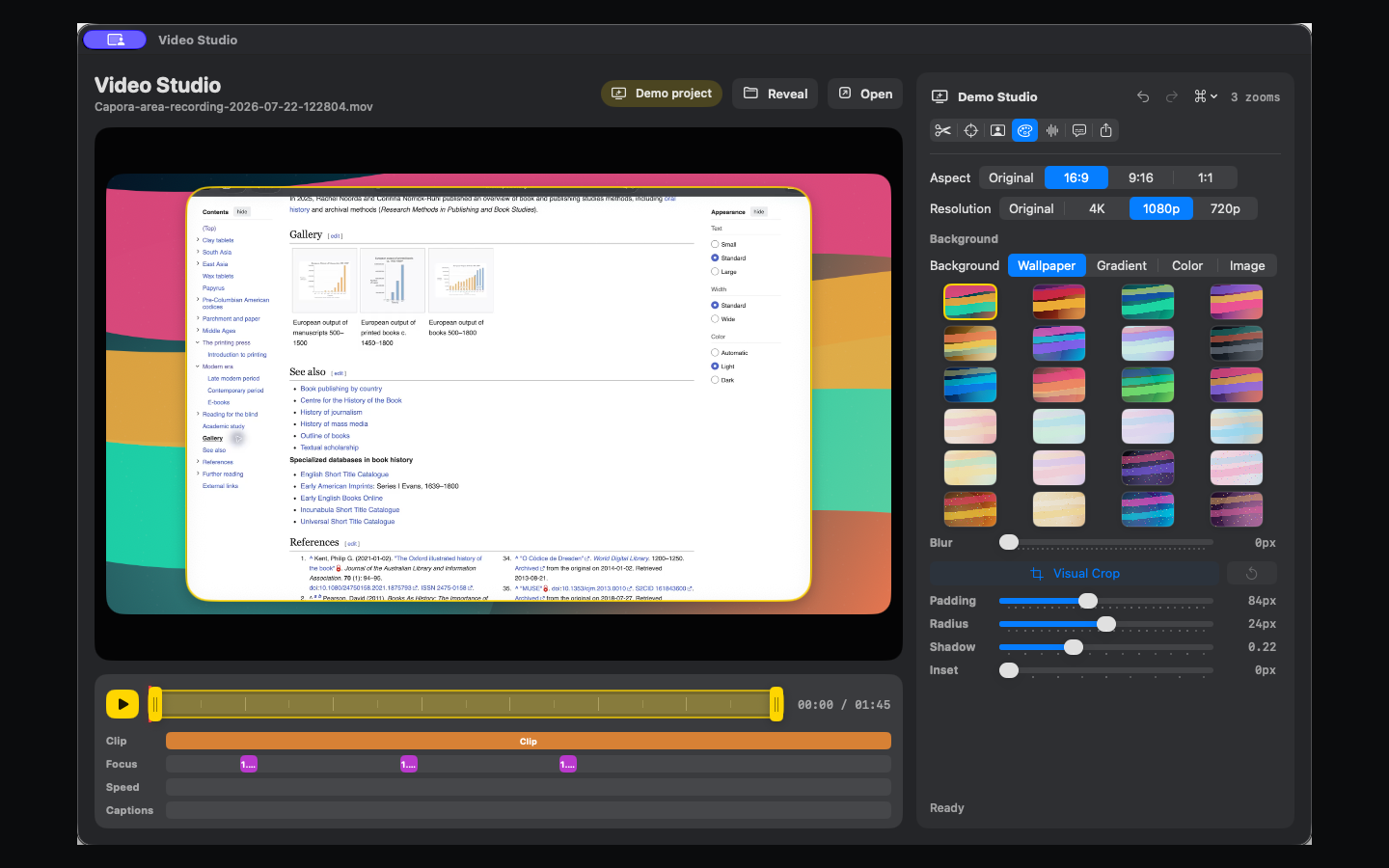
Screenshots Worth Sharing
Show Exactly What Matters. Add arrows, text, shapes, highlights, numbered steps, and redaction without leaving the capture.
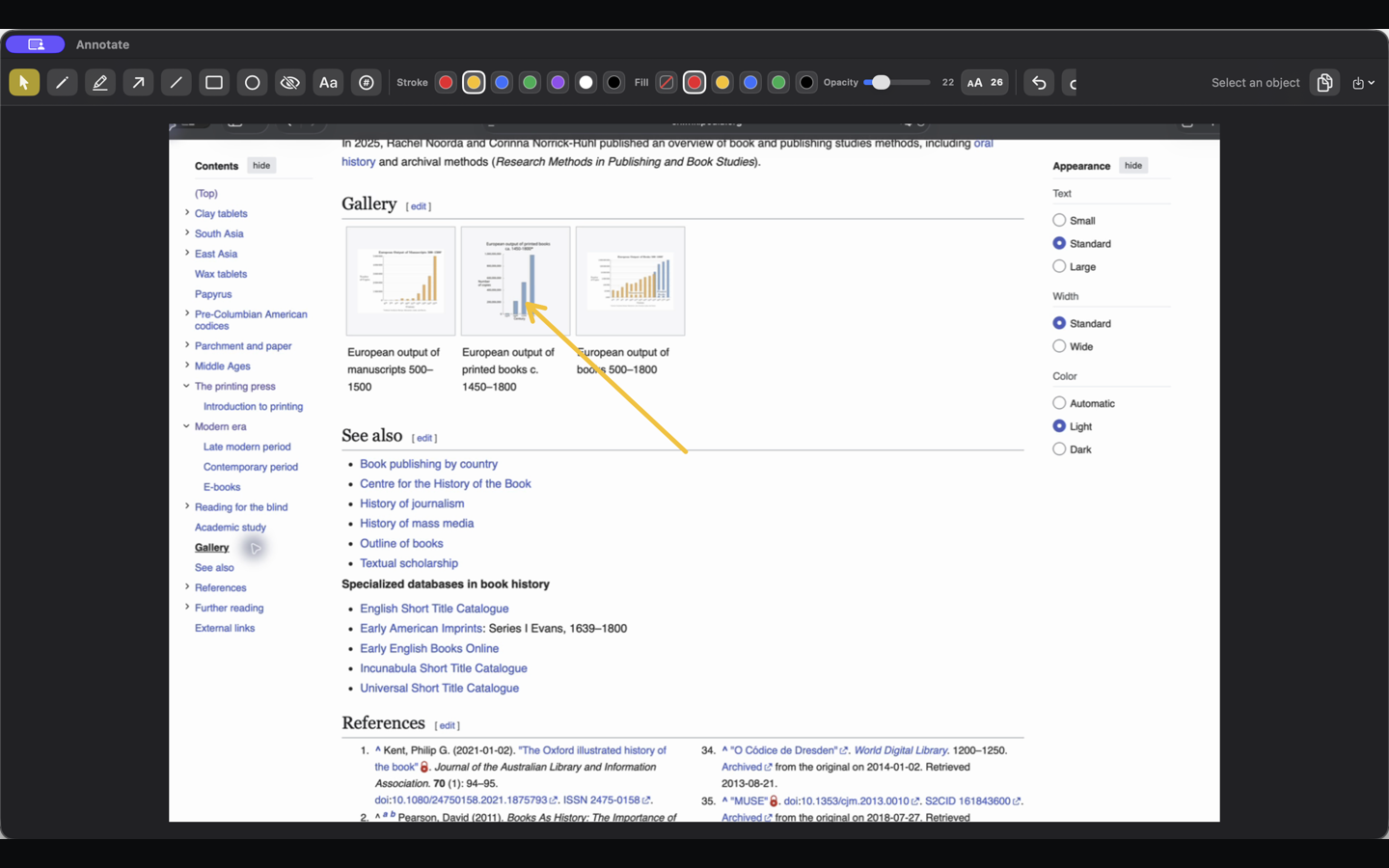
Video Studio
Capora stores polish decisions beside the original recording, so every focus move, layout, caption, and style remains adjustable.
Click focus and smooth pointer follow turn raw movement into an easy-to-watch story.
Record the person and the screen, then drag, resize, crop, dock, or hide the camera in Video Studio.
Generate captions on-device, edit every line, choose the placement, and style animated emphasis.
Use built-in wallpapers, gradients, colors, custom images, blur, padding, shadows, and flexible aspect ratios.
Your work stays yours
Capora has no account requirement, cloud capture library, advertising, or analytics SDK. Optional local caption models download only when you choose them.
Read the privacy policyCapora Pro
Guide every eye, keep every edit flexible, and export the finished story from your Mac.
See Capora Pro